
Scroll Docs Guide
Practical articles on reading with auto-scroll: picking a speed, preparing text, using the reader as a teleprompter, reviewing documents carefully and keeping your files private. Each article describes features exactly as they work in the Explore Scroll Docs resources.
-
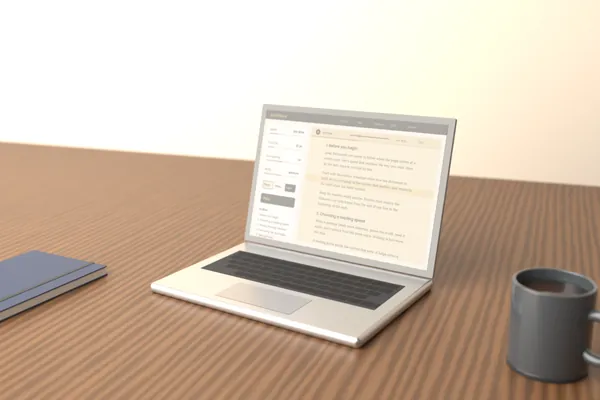
What Is Scroll Docs? How a Scrolling Document Reader Works
Learn how auto-scroll works, who it helps and how to get started.
Read article -
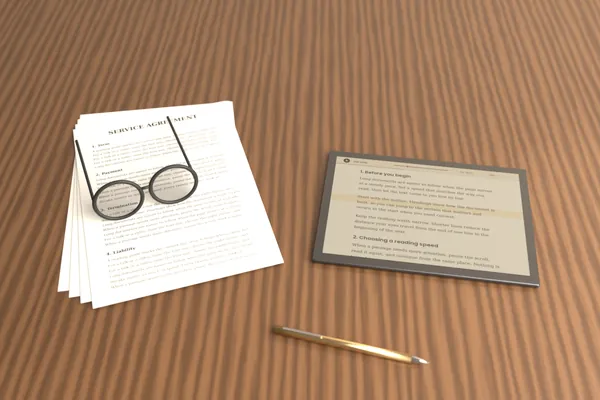
Scroll Docs: How to Read Long Documents Without Losing Your Place
Practical techniques for reading long reports and notes without losing your place, from a reading guide band and outline jumps to steady pacing, breaks and planned sessions.
Read article -
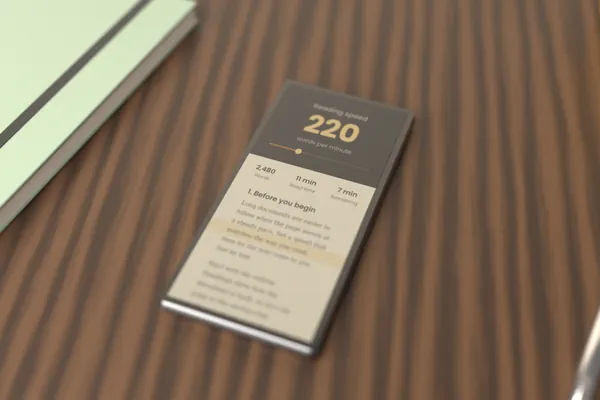
Scroll Docs: Choosing the Right Auto-Scroll Speed for Your Reading
Choose a speed for study, everyday reading or speaking, then adjust it with a short test.
Read article -
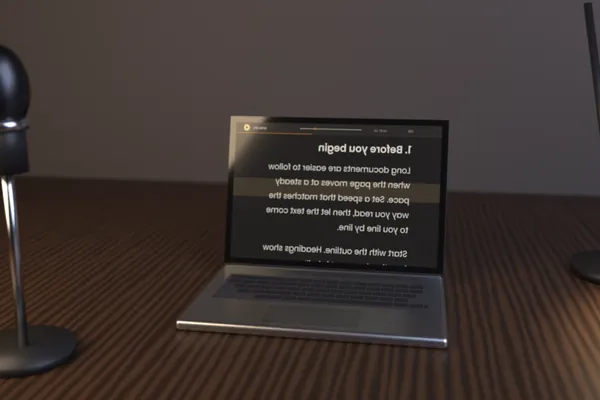
How to Use Scroll Docs as a Browser Teleprompter for Video
Prepare a script, set a speaking pace and use mirror mode for a browser teleprompter.
Read article -
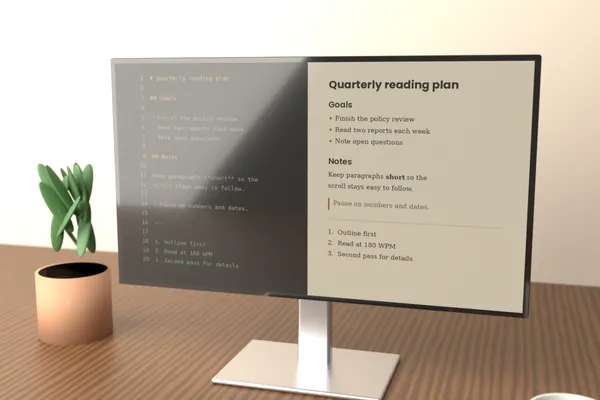
Scroll Docs: Formatting Text and Markdown for Smooth Scrolling and Reading
How to prepare text for auto-scroll reading: headings that build an outline, short paragraphs, lists, the Markdown that is supported, cleaning copied text, and supported file types.
Read article -
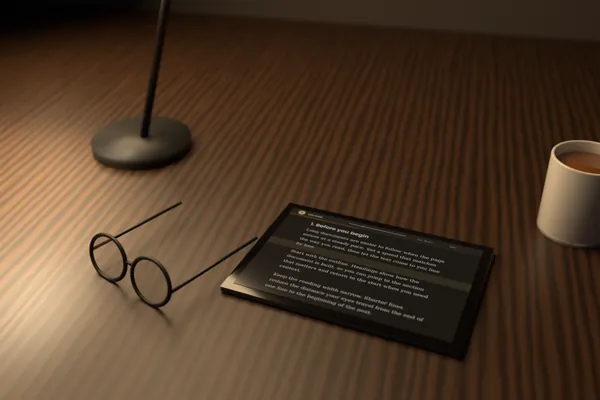
Scroll Docs: Reducing Eye Strain During Long Reading Sessions on a Screen
General habits and reader settings for more comfortable long reading on screens, including the 20-20-20 rule, brightness, themes, font size, line spacing, reading width, and breaks.
Read article -
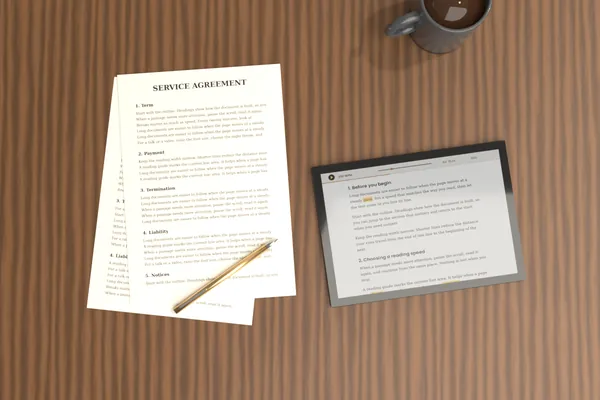
Scroll Docs: How to Review Contracts and Reports Line by Line
A practical routine for careful document review: slow reading speed, the reading guide, Find for dates, amounts and key clauses, the Outline for structure and a two-pass approach.
Read article -
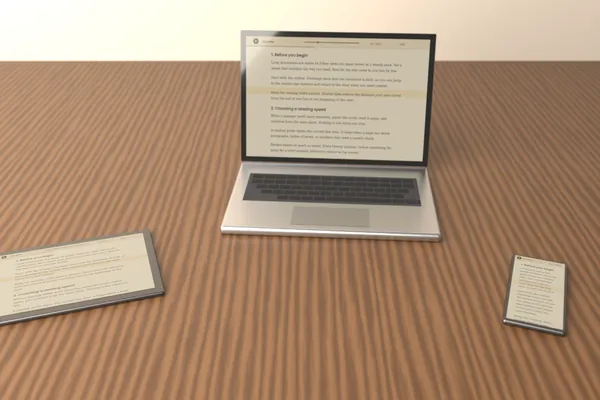
Using Scroll Docs on Phone, Tablet, Laptop and Desktop
Practical setup advice for each device: font size and screen settings on phones, stands and width on tablets, keyboard shortcuts and fullscreen on laptops and desktops, plus browser notes.
Read article -
Scroll Docs: Privacy When Reading Documents in Your Browser
What happens to your text when you read in the browser, what local storage holds, and practical habits for sensitive files on shared computers and in public places.
Read article