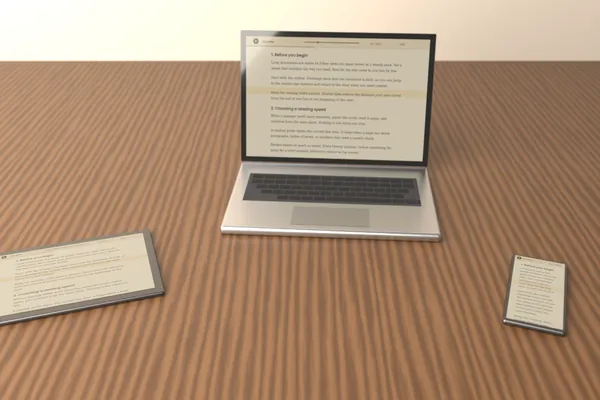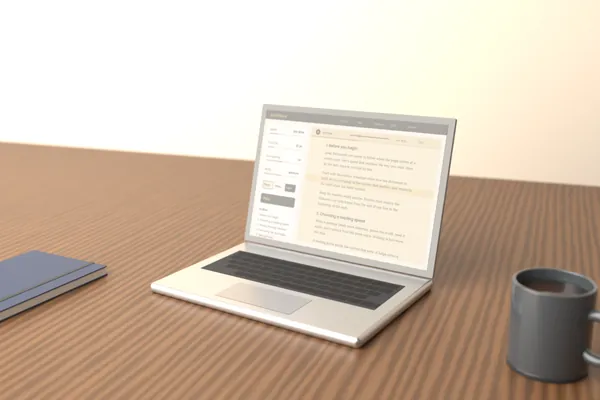
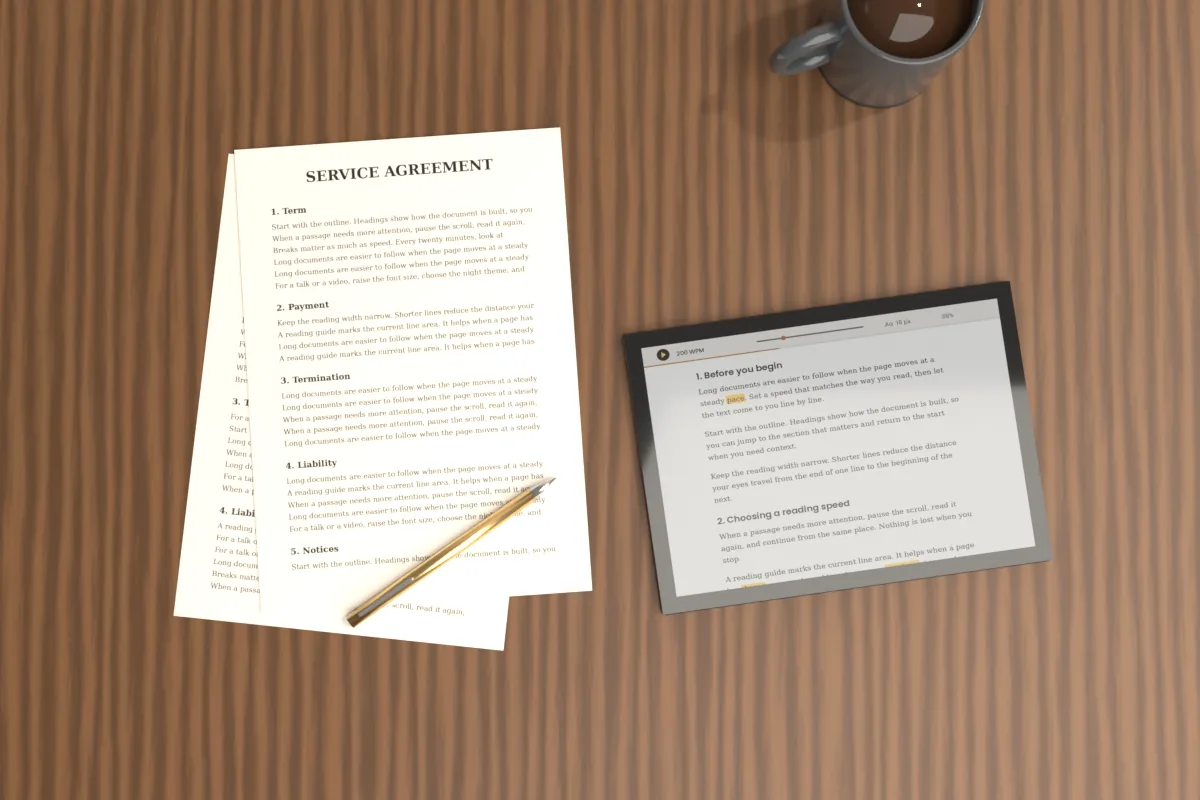
Contracts, policies and long reports reward slow, deliberate reading. A missed date, a changed amount or a single clause about liability can matter more than everything around it, and skimming makes those details easy to overlook.
This guide describes a practical review routine using Scroll Docs: a slow reading speed, the reading guide, Find for key terms, the Outline for structure and a two-pass approach that keeps your attention on the text.
Scroll Docs: Prepare the document for review
The reader accepts pasted text and local text files such as .txt, .md and .html, but not PDF or DOCX files. If your contract is in one of those formats, copy the text from your usual viewer and paste it into the text box.
Check the start and end to confirm nothing was cut off. Copying from some PDFs breaks lines oddly or drops headers, so compare section numbers against the original before you rely on the pasted version.
Scroll Docs: Set a slow, steady reading speed
The default speed of 200 words per minute suits general reading. For a careful review, try 100 to 140 WPM so each sentence stays on screen long enough to be read fully rather than recognized by its shape.
Arrow Up and Arrow Down change the speed by 10 WPM. When a dense clause needs more time, press Space to pause, read it as often as you need, then resume from the same spot.
- Use a larger font size and generous line spacing, around 1.8 to 2.0, so lines stay clearly separated.
- Choose the Narrow or Medium width so your eyes travel a shorter distance per line.
- Pick the Paper or White theme for daytime review and Night for low light.
Scroll Docs: Turn on the reading guide
The reading guide places a highlighted horizontal band over the current line area. In long clauses with nested conditions, it helps you keep your place and reduces the chance of skipping a line as the text moves.
Keep your eyes inside the band and let the text come to you. If you find yourself reading ahead of the band, the speed is probably too slow for that section; if you fall behind, lower it.
Scroll Docs: Use Find to locate key terms
Find searches for a word or phrase, shows how many matches exist and lets you step through them with previous and next. That makes it useful for checking that important terms are handled consistently across the whole document.
Terms worth searching in most agreements and reports include:
- Dates and deadlines: month names, "days", "within" and "no later than".
- Amounts: the currency symbol, "fee", "payment" and "invoice".
- Termination: how and when either party can end the agreement, and what notice is required.
- Liability: limits, exclusions and indemnity language.
- Renewal: automatic renewal terms are easy to miss.
- Defined terms: each capitalized term should mean the same thing every time it appears.
The match count works as a quick sanity check. If "termination" appears twelve times but you only remember two clauses, step through every match before moving on.
Scroll Docs: Check structure with the Outline
When the text contains Markdown headings, meaning lines that begin with #, ## or ###, the Outline lists them and lets you jump to any section. Adding a few headings to a pasted contract before you start makes a long document easier to navigate.
Use the Outline to confirm that numbered sections run in order, that none are missing and that referenced clauses actually exist. A reference to "Section 9.2" in a document that ends at Section 8 deserves a question.
Scroll Docs: Take notes separately
Scroll Docs is a reader, not an editor, and it does not save documents or notes. Keep a separate notepad, text file or sheet of paper beside the reader for questions, section references and items to confirm.
A simple note format works well:
- The section number or heading.
- A short quote of the exact wording.
- Your question or concern.
Quoting the exact wording prevents confusion when you later discuss the point with an advisor.
Scroll Docs: Use a two-pass review
Reading for understanding and reading for detail are different tasks. Splitting them into two passes keeps each one focused and makes it less likely that a small detail slips past.
First pass: understand the whole
Read the full document at a moderate speed, around 160 to 200 WPM, without stopping to write detailed notes. The goal is to understand what the document covers, who is responsible for what and how the sections fit together.
Second pass: verify the details
Press Home to return to the start, lower the speed and turn on the reading guide. Pause at every date, amount, obligation and exception, and use Find to cross-check related terms. Most of your notes will come from this pass.
Take a short break between passes. The 20-20-20 rule, looking at something about 20 feet away for 20 seconds every 20 minutes, also helps reduce eye strain during long reviews.
Important: Scroll Docs is a reading tool and does not provide legal, financial or other professional advice. Contracts and other important agreements should be reviewed by a qualified professional before you sign or act on them.
Scroll Docs: When you finish
Once the review is complete, use Clear or close the tab. The document text exists only in that open tab and is never uploaded, which is worth knowing when a file contains confidential terms.