Reading on a screen for an hour or more often leaves the eyes feeling tired, dry, or unfocused. Much of that discomfort relates to things that are easy to adjust: how long you look without a break, how bright the screen is, and how the text is laid out.
The suggestions below are general comfort habits, not medical advice. They apply to any reader, and each section shows how to put them into practice in Scroll Docs.
Scroll Docs: Follow the 20-20-20 rule
Looking at a near screen for a long time keeps your eyes focused at one fixed distance. The 20-20-20 rule is a widely shared habit to interrupt that: every 20 minutes, look at something about 20 feet away for at least 20 seconds.
The hard part is remembering. With auto-scroll running, the end of a section is a natural moment; pause with the Space key, look out a window or across the room, then resume.
Scroll Docs: Remember to blink
People tend to blink less often while concentrating on a screen, which can leave the eyes feeling dry. Blinking fully a few times during each pause helps them feel more comfortable.
A slower scroll speed helps too. When text moves faster than is comfortable, it is easy to stare without blinking just to keep up, so lower the speed with Arrow Down if you notice this.
Scroll Docs: Match screen brightness to the room
A screen much brighter than its surroundings feels glaring, and one much dimmer than the room makes text harder to make out. Aim for a screen that looks roughly as bright as the space around it.
- In a bright office, raise brightness so text does not look washed out.
- In a dim room, lower brightness rather than reading a bright white page in the dark.
- Avoid glare from windows or lamps reflecting on the screen; tilting it slightly often helps.
Scroll Docs: Choose a theme for the conditions
Background color affects comfort as much as brightness does. Scroll Docs offers three themes:
- Paper: a warm cream background that many readers find softer than pure white in daylight.
- White: high contrast, useful in very bright rooms.
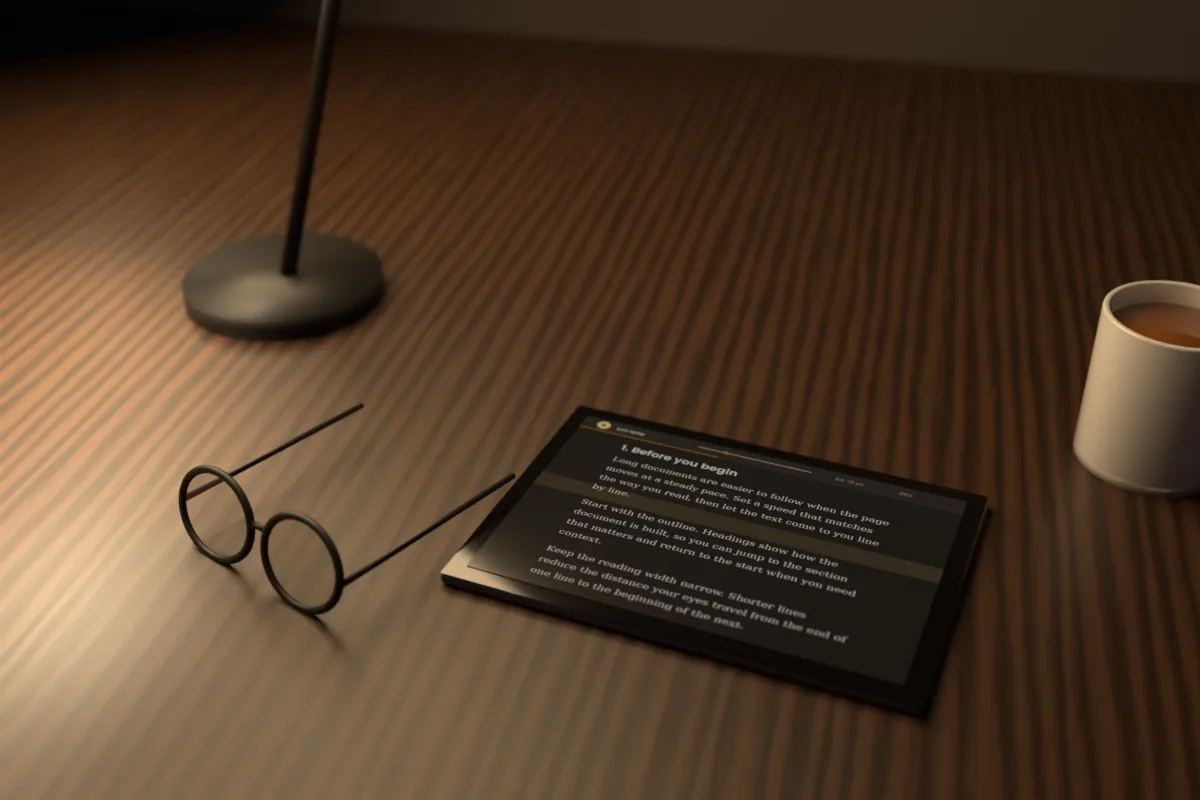
- Night: light text on a dark background, which many people prefer in dim light or in the evening.
There is no single right answer. Try each theme in your usual setting and keep the one that still feels easy after a longer stretch.
Scroll Docs: Adjust font size and line spacing
Text that is too small makes you lean in and squint. Increase the font size until you can read comfortably from your normal position; the slider runs from 14 to 40 px, and the + and - keys change it while reading.
Line spacing matters in longer sessions. Tight lines make it easier to lose your place and reread, while more space between lines, anywhere in the 1.4 to 2.2 range, helps the eye find the start of the next line.
Scroll Docs: Use a narrower reading width
Very long lines force the eyes to travel far across the screen and then jump back to find the next line. Over a long session, that repeated movement adds up.
In Scroll Docs, the Narrow or Medium width keeps lines to a comfortable length, which helps most on large monitors. The optional reading guide, a highlighted band across the current line area, also gives the eyes a steady point to return to.
Scroll Docs: Sit at a comfortable distance
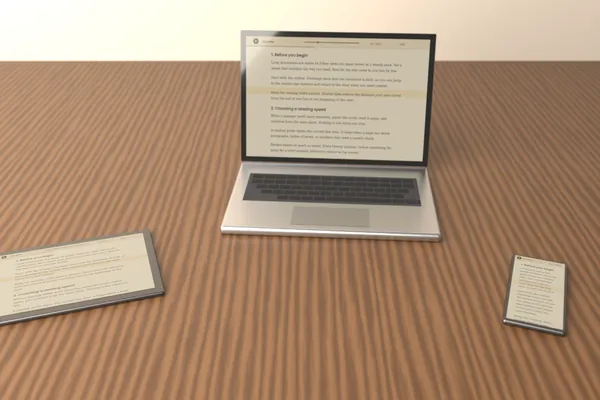
A common guideline is to keep a laptop or monitor at about arm's length, with the top of the screen at or slightly below eye level. This lets you read without craning your neck or leaning toward the text.
Phones and tablets tend to drift closer during long reading. Hold them a little farther away and raise the font size instead of bringing the screen to your face.
Scroll Docs: Plan real breaks
Short pauses help, but long sessions also benefit from proper breaks every hour or so. Stand up, move around, and rest your eyes away from any screen.
The stats panel shows time remaining at your current speed, which makes breaks easier to plan. If an hour of reading is left, you can choose a section heading near the middle as a stopping point and use the Outline to return to it afterward.
Reader settings such as theme, font size, line spacing, and width are remembered in your browser, so a comfortable setup carries over to the next session without adjusting everything again.
Scroll Docs: When to get your eyes checked
These habits are meant to make reading more comfortable, and they are no substitute for professional care. If eye discomfort, blurry vision, or headaches keep coming back despite breaks and better settings, that is a good reason to see an eye-care professional.